Preamble
The Dante ProLab is a networked practice cyber range hosted by HackTheBox. It provides a myriad of targets, each with its own unique vulnerabilities. As a means for measuring progress, the lab has a series of “flags” scattered throughout for us as the attacker to collect. Upon discovering all of the flags, the lab is considered complete and the attacker is issued a certificate of completion.
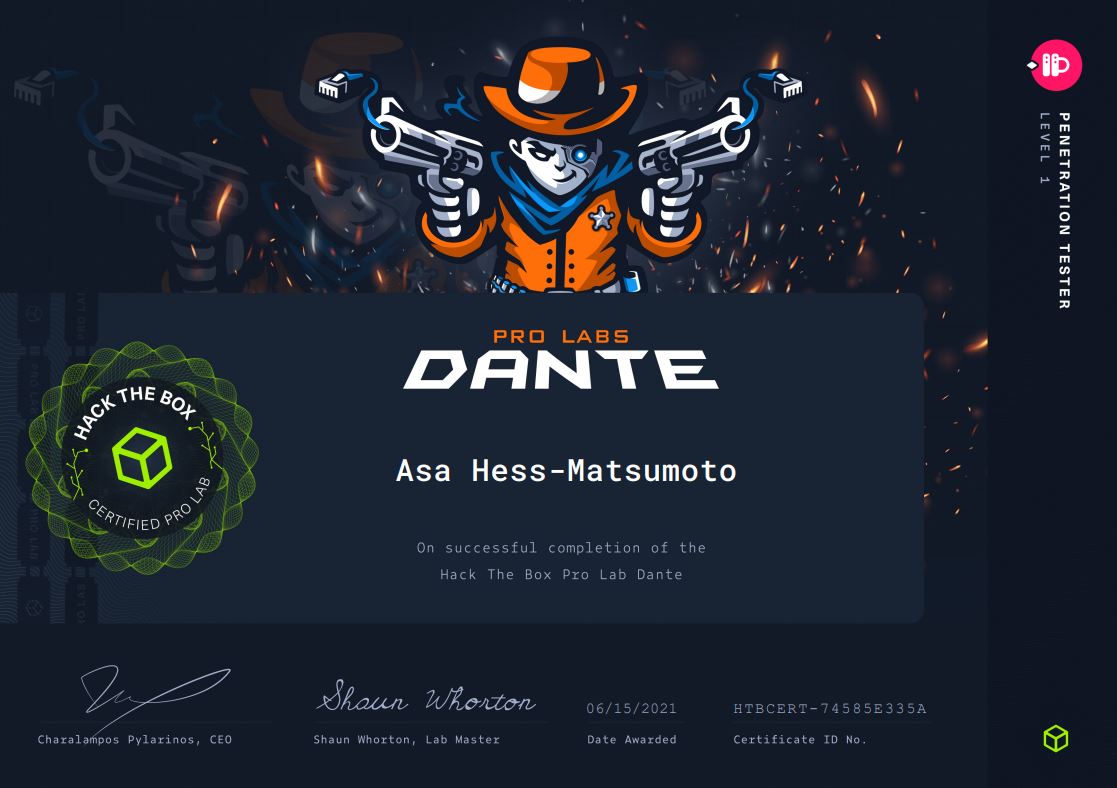
I began working on Dante not long after completing the OSCP; having finished the rather difficult study/examination cycle for the certification, picking up employment as a penetration tester, and carrying on with Graduate School, I didn’t have the stamina for leaning into yet another certification. The Dante ProLab fit the perfect space as some interim training for keeping the skills I learned in achieving the OSCP current (and developing some new ones too!).
Pros
- Skills development: while the Penetration Testing with Kali Linux (PWK) companion course to the OSCP does cover a wide array of attacks and techniques, the actual exam only requires a narrow subset of what is covered. One such skill that goes under-developed as a result is the act of pivoting. I wrote an entire entry earlier in April detailing some preliminary ways I re-learned how to pivot; in fact, since that time I adopted yet another method: chisel! All of this is to say that I really enjoyed having an environment that required me to work through a fundamental network penetration testing skill.
- Logical progression: to be sure, any kind of real-world network that a penetration test takes place on won’t (intentionally) be designed such that every machine should be compromised. However, as a learning environment, Dante does a fair job with providing logical steps that a student should make in enumerating ports and services. There are some exceptions to this that I’ll cover in the Cons block below, but by-and-large most of the targets provide sensible direction about how it was designed to be attacked.
- Networked Environment: it’s worth mentioning that while many of the targets in the Prolab can be treated as standalone machines that can be compromised from foothold-to-root on their own, there is quite a bit of dependency woven in throughout the network. From a pragmatic view, this encourages thorough post-exploitation of the machines the student does compromise (and diligent note-taking) in order to ensure that nothing gets overlooked. There are absolutely targets that - at least from my experience - could not be hacked without leveraging knowledge gained from other targets on the network.
- Variety of targets: the network environment contains a mix of operating systems (both UNIX and Windows) and vulnerabilities, ensuring we get adequate opportunities to practice skills for either. Almost every attack being performed is unique, so you can rest assured that you are getting value in the breadth of skills being exercised.
Cons
- Subnet Discovery: in a way so as to encourage students to work on their network discovery skills, the lab teases apart its machines across several different subnets. This means that students really need to be diligent in their post-exploitation in order to find all of the hosts. I found that the 2nd pivot that needed to be made (into the Admin Subnet) was a bridge too far. I relied on the HTB Discord channel in order to find out where it was. Even then, the means for finding the host(s) that you need to on Admin subnet were not immediately intuitive.
- Flag location(s): for the most part, there are 2 flags per target; one flag that can be found following an initial foothold and then a second that is only readable with elevated privileges. However, in a bid to have attackers exercise thorough post-exploitation, there are a few instances where additional flags are embedded. Since the ProLab doesn’t specify which flags are located where, the attacker is left to speculate which machines have those flags. It’s somewhat possible to intuit where they are, since the unlocked flags are grouped together by machine, but you’re never 100% certain.